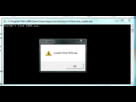
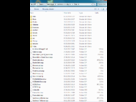
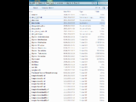
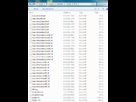
mauvaise installation :
1. Copy the .dll and .exe files to your Skyrim directory. This is usually in your Program Files folder under
Steam\SteamApps\common\skyrim\.
If you see files named TESV and SkyrimLauncher, this is the correct folder. Do not copy these files to the Data folder as with a normal mod. The "src" folder is only useful
for programmers, most users can ignore it.
2. Copy the .pex files in Data\Scripts\ into the Data\Scripts\ folder of your installation.
The .pex files are needed by all users of SKSE.
3. Copy the .psc files in Data\Scripts\Source\ into the
Data\Scripts\Source\ folder of your installation.
The .psc files are only needed if you have the CreationKit installed and intend to create or compile Papyrus scripts.
4. Launch the game via running skse_loader.exe. Steam must be running before launching Skyrim.